Idle Timers Punish You for Standing Up
Software presence dots turn normal micro-breaks into suspect absences, freezing your posture and leaving your workday without a single safe pause.
Work Survival Club · 18 November 2026 · 3 min · Original reporting
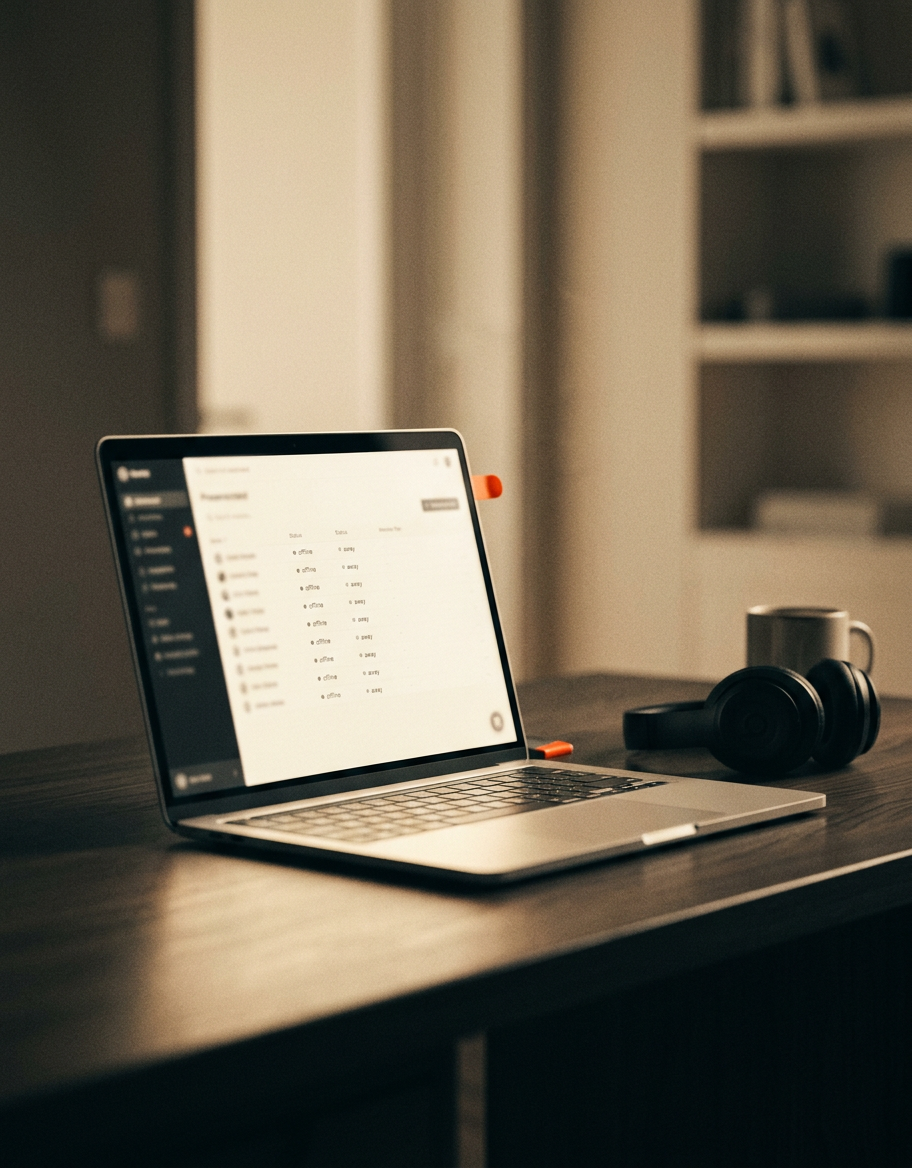
You push your chair back to fill a glass of water, and your hand hesitates on the armrest. In the corner of your screen, the little circle beside your initials is a crisp, reassuring green. If you walk to the kitchen, wait for the tap to run cold, and pause to roll your shoulders, three minutes will pass. If a colleague stops you in the corridor or the kettle takes slightly too long, five minutes will pass. By the time you return, the circle will have turned amber, broadcasting the word Away to sixty people.
So you do not walk to the kitchen. You sit back down, take a sip of room-temperature dregs from three hours ago, and leave your hand resting on the mouse. The dull burn between your shoulder blades flares, your pelvic floor remains clenched, and your eyes stay locked to the glare of the panel. You tell yourself that your posture is simply poor, or that you need an ergonomic lumbar roll. In reality, your body is responding to an administrative design choice: continuous synchronous surveillance masquerading as communication.
The panopticon of the five-minute timeout
Most enterprise communication suites are preconfigured to alter user status indicators after a brief window of peripheral inactivity. In Microsoft Teams, the default idle threshold is five minutes of keyboard and mouse dormancy; in Slack, it triggers after ten minutes unless manually overridden. These status switches were originally sold as courtesy features, designed to prevent colleagues from shouting into a digital void. Over the past decade, however, they have mutated into an automated roll call that operates continuously between nine and five.
The physical cost of this monitoring was documented long before remote work became standard. In a classic study published in Applied Ergonomics, researchers at the University of Wisconsin examined telephone operators subjected to automated performance monitoring. Monitored workers reported significantly higher rates of neck and shoulder pain, acute fatigue, and musculoskeletal stiffness compared to unmonitored peers doing identical tasks. The primary mechanism was not the intensity of the work, but the suppression of natural, unscripted pauses.
When presence is tracked in real time, standing up to stretch carries the implicit penalty of appearing absent.
How availability breaks micro-recovery
Human physiology relies heavily on micro-breaks—brief pauses lasting from twenty seconds to two minutes—to restore spinal disc hydration, clear metabolic byproducts from static postural muscles, and reset eye convergence. Research led by the University of Connecticut demonstrated that introducing regular micro-breaks into intensive computer work reduced physical discomfort across the entire upper body without reducing overall work output.
The UK Health and Safety Executive is unambiguous on this point: statutory display screen guidance specifies that breaks or changes of activity should be incorporated into computer work, noting that short, frequent pauses are far more effective than occasional long ones. Yet presence software operates in direct opposition to this biology. Because the software does not distinguish between staring blankly at a spreadsheet and walking to the window to rest your optic nerve, it treats physical recovery as delinquency.
- Trapezius hypertension: Hovering close to the keyboard to prevent idle status keeps the upper trapezius and levator scapulae under low-grade static tension for hours.
- Interoceptive suppression: Workers regularly suppress bodily cues to urinate, drink, or eat, waiting instead for a meeting or an acceptable transitional window.
- Cognitive task contamination: Stepping away to think deeply about a complex problem is interrupted by the reflexive urge to nudge the trackpad to preserve an active status.
Scheduling the right to step away
Physical stiffness at the desk is rarely a failure of will or a lack of stretching; it is a scheduling architecture that treats any unscheduled gap as public availability. When an organisation fails to schedule explicit asynchronous work blocks, the entire workday defaults to real-time responsiveness. As industrial psychologist Julia Dettmers demonstrated in research on extended availability, the mere expectation of rapid accessibility maintains sympathetic nervous system arousal and prevents somatic recovery.
Fixing this does not require a treadmill desk or an expensive standing converter. It requires redesigning the schedule so that presence is no longer the metric of integrity. Agree with your team on an explicit communication agreement: status lights are decoupled from work tracking, response latencies of ninety minutes are standard, and daily calendar blocks of 90 to 120 minutes are formally designated as unmonitored offline focus. When stepping away from your desk ceases to look like disappearance, your shoulders will finally drop.
Sources
- Working with display screen equipment (DSE): Rest breaks (opens in a new tab) — Official guidance from the UK Health and Safety Executive mandating frequent short changes of activity to prevent postural disorders.
General information about work and health, not medical advice. See our medical disclaimer.