The Ergonomic Desk Setup, Minus the Nonsense
Most desk advice is furniture marketing in a lab coat. Three adjustments — monitor height, lumbar angle, keyboard position — do the bulk of the work, and none of them require a new chair.
Work Survival Club · 29 July 2026 · 6 min · Original reporting
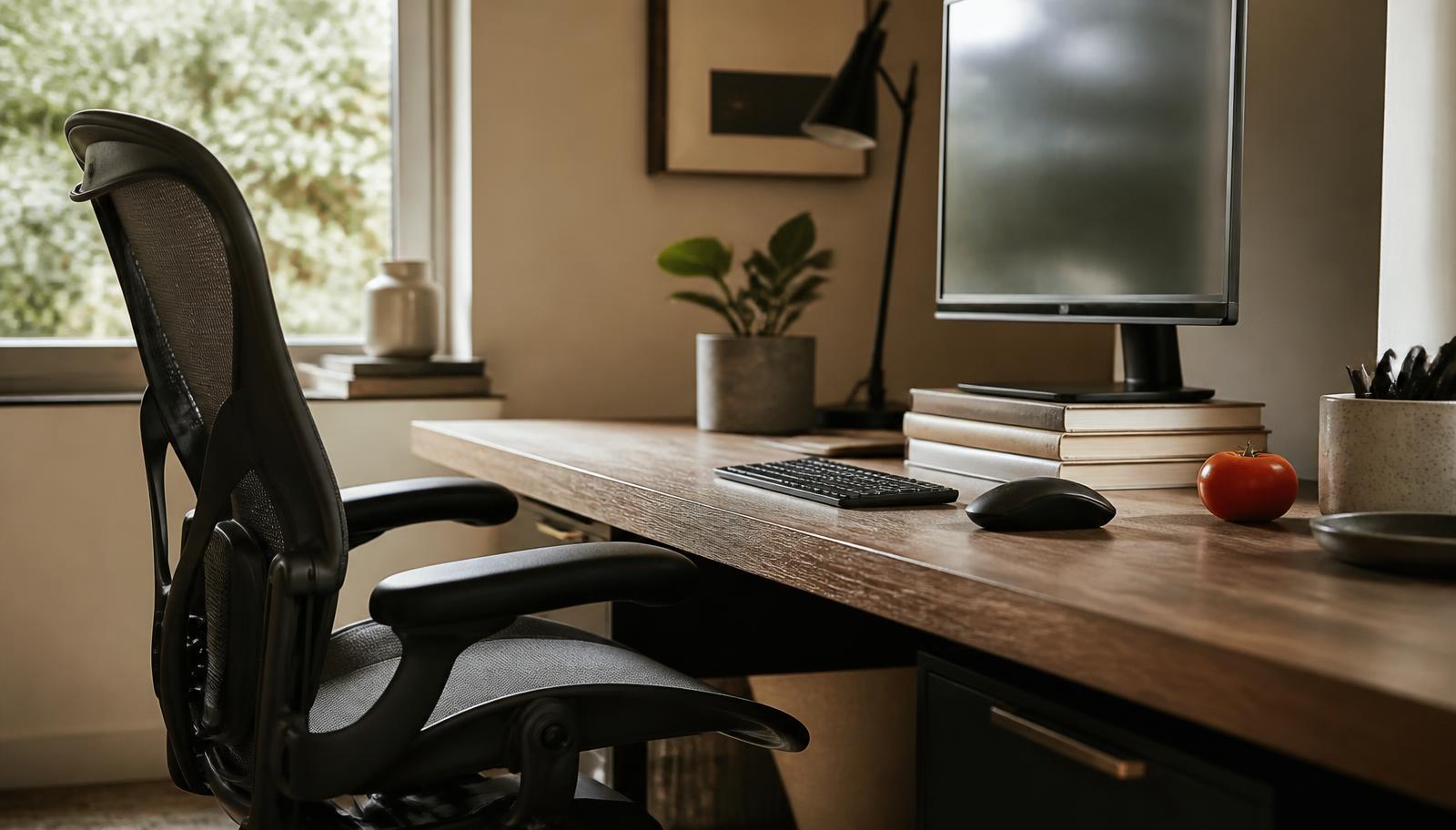
Ergonomics has an image problem. The word conjures a chair costing four figures, a standing desk with a memory function, and someone in a polo shirt explaining posture. The actual discipline is duller and far more useful: it is the study of arranging a task so the body does not have to hold an awkward position for eight hours.
Three adjustments do most of the work. Monitor height, lumbar angle, keyboard position. You can make all three today, for nothing, with a stack of books and a rolled towel. Everything after that is refinement, and refinement is where the money goes.
1. Monitor height: the top of the screen at or just below eye level
A laptop on a desk is a device designed to pull your head forward and down. The head weighs roughly five kilograms; every centimetre it drifts in front of the shoulders increases the load the neck extensors have to hold, continuously, without a break, for the length of your working day. This is the mechanism behind the dull ache that starts around three in the afternoon.
The fix is unglamorous. Raise the screen until the top edge sits at or slightly below your seated eye level, and place it roughly an arm's length away. If you use a laptop, this necessarily means an external keyboard, because the screen and the keys cannot both be in the right place at once. That is the whole argument for a laptop stand: not comfort, geometry.
- Top of the screen at or just below eye level, so your gaze drops slightly rather than climbing.
- Screen roughly an arm's length away — further for a large display, not closer.
- Directly in front of you. A monitor parked at 30 degrees to one side is a neck rotation you hold all day.
- Two screens: put the one you use most dead centre, not the join between them.
A laptop on a bare desk is a device for pulling your head forward. Every fix downstream of that is decoration.
2. Lumbar support: the chair is not the point, the angle is
The lower back has a natural inward curve. Sitting upright at 90 degrees flattens it, which loads the discs and the surrounding muscles in a way standing does not. The received wisdom that you should sit bolt upright with feet flat and back straight is, on the evidence, a slightly worse version of what actually helps: a reclined seat back of roughly 100 to 110 degrees, with something filling the gap behind your lumbar curve.
An expensive chair does this out of the box and holds it consistently, which is genuinely worth something over a decade of use. A rolled towel or a cushion against the small of your back does most of it for nothing. What neither can do is rescue a setup where your feet dangle or your knees sit higher than your hips.
- Seat back reclined slightly past vertical, around 100 to 110 degrees.
- Support filling the inward curve of the lower back — the chair's lumbar pad, a cushion, or a rolled towel.
- Hips level with or slightly above the knees; feet flat on the floor or on a box.
- Seat depth leaving two or three fingers of clearance behind the knee.
3. Keyboard and mouse: flat, close, and low
Most keyboard pain comes from two habits: reaching forward, and bending the wrists upward. Reaching forward loads the shoulders; wrist extension narrows the carpal tunnel and irritates the tendons running through it. The little flip-out feet on the back of a keyboard, which almost everyone deploys, make the second problem worse.
Keep the keyboard flat, or tilted very slightly away from you. Elbows at roughly 90 degrees and close to your sides, forearms parallel to the floor, wrists straight rather than propped on the desk edge. Put the mouse on the same plane, immediately beside the keyboard, so you are not reaching diagonally across the desk several thousand times a day. If your desk is too high to allow this — most standard desks are, for most people — raise the chair and put your feet on something.
- Keyboard flat, feet folded away. Negative tilt if your desk allows it.
- Elbows at about 90 degrees, upper arms hanging close to the torso.
- Wrists straight and floating, not resting on a hard edge while typing.
- Mouse directly beside the keyboard at the same height, not out on a distant island.
The ten-minute version
- 1Sit back in the chair and set its height so your elbows are level with the desk surface.
- 2If your feet now dangle, put a box, a ream of paper or a couple of books under them.
- 3Push a cushion or rolled towel into the small of your back and recline the seat slightly.
- 4Stack books under your monitor or laptop until the top edge reaches eye level.
- 5If that leaves you typing on a raised laptop, plug in an external keyboard and put it flat in front of you.
- 6Move the mouse to sit right beside the keyboard, and pull both towards you until your elbows stay at your sides.
What the evidence does and does not support
The honest summary: ergonomic adjustments have decent evidence for reducing discomfort, and much weaker evidence for preventing injury outright. Systematic reviews of workstation interventions tend to find modest improvements in reported musculoskeletal symptoms, with the strongest effects when a change in equipment is paired with a change in behaviour — chiefly, moving more often.
That last part is the caveat that undermines most of the product category. The best-configured chair in the world still holds you in one posture, and static loading is a large part of the problem. The most reliable intervention in the literature is not a purchase at all: it is standing up every 30 to 45 minutes and walking for a minute or two. Set the desk up properly so the default posture is not actively hostile, then stop treating the desk as the whole solution.
Buy the chair if you sit in it for forty hours a week and can afford it; it is a defensible purchase with a ten-year life. But do the free adjustments first. If you make them and nothing changes after a fortnight, the problem is probably not your furniture, and a physiotherapist will be better value than another accessory.
Sources
- Effectiveness of ergonomic interventions in alleviating symptoms of musculoskeletal disorders and computer vision syndrome in computer users: a systematic review and meta-analysis (opens in a new tab) — Finds modest but real reductions in reported symptoms from workstation interventions.
- Display screen equipment (DSE) workstation checklist (opens in a new tab) — UK Health and Safety Executive guidance on screen height, seating and keyboard position.
- Effect of seat back angle and lumbar support on spinal loading during seated work (opens in a new tab) — Evidence that a slightly reclined seat back with lumbar support reduces disc loading compared with upright sitting.
- Interrupting prolonged sitting with regular activity breaks (opens in a new tab) — Supports frequent movement breaks over any single static posture.
General information about work and health, not medical advice. See our medical disclaimer.