A Good Monitor Arm Is Not Just for Adjusting Height
A quality monitor arm offers more than vertical adjustment; it facilitates precise screen positioning, reduces neck strain, and can free up valuable desk space for improved workday comfort and focus.
Work Survival Club · 4 September 2026 · 3 min · Original reporting
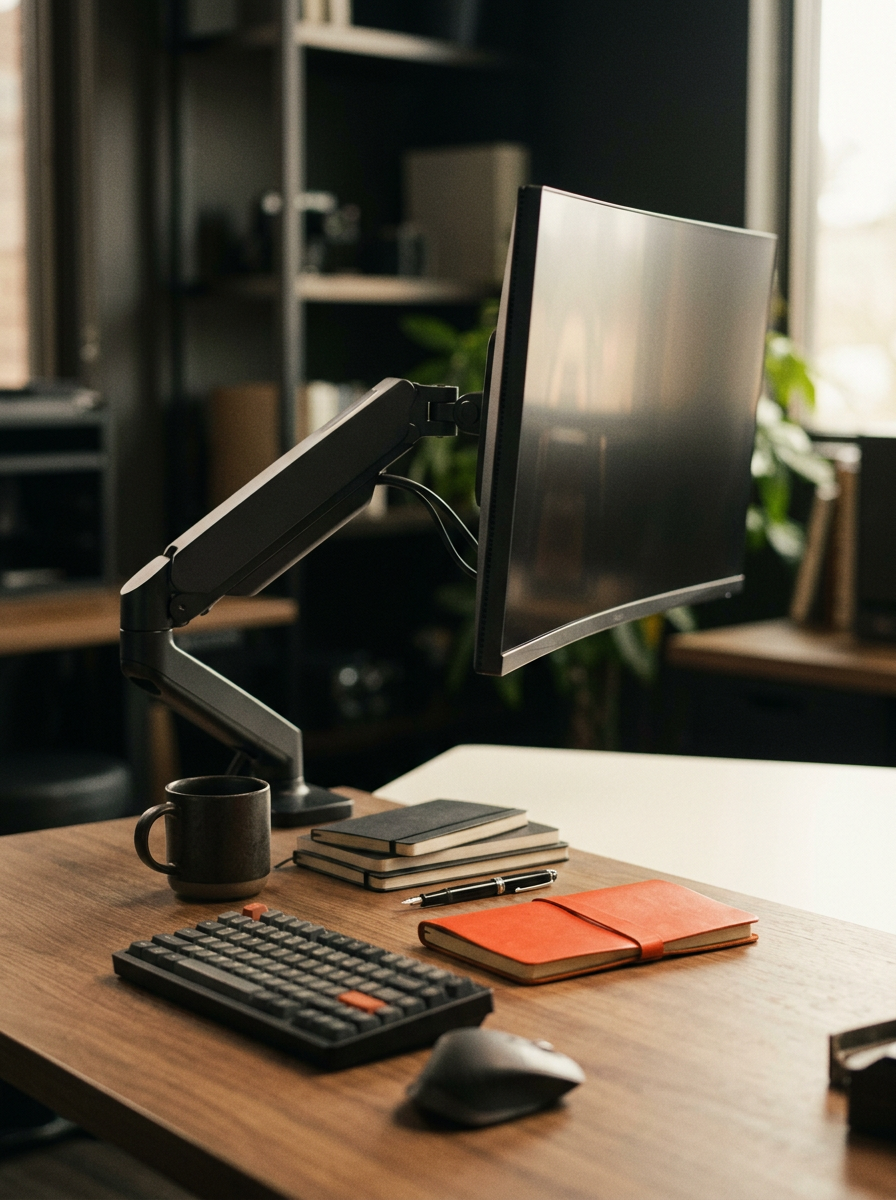
For many, the idea of a monitor arm conjures an image of a simple device that lifts a screen off a desk. This basic functionality is often seen as sufficient, or sometimes, even an unnecessary expense for desk workers. However, a well-chosen monitor arm provides far more than just elevation; it is a critical component of an ergonomic workstation that can profoundly influence comfort and mitigate physical strain over long working hours.
The subtle differences between a basic stand and a quality articulating arm can dictate whether your monitor actively supports a healthy posture or inadvertently exacerbates the physical toll of office work. The true value lies in the precise, dynamic adjustability it offers, allowing for optimal screen placement tailored to individual body mechanics.
Beyond Static Risers
Many employers provide basic monitor risers or fixed stands, which offer a single, static height adjustment. While this is better than nothing, it often falls short of ideal ergonomic positioning. The aim is to align the top of your screen with your eye level, allowing your neck to remain in a neutral position. A static riser may achieve this for some, but fails to account for variations in desk height, chair height, user stature, or even different tasks that might benefit from varied screen angles.
An articulating monitor arm, by contrast, allows for fluid adjustment across multiple axes: height, depth, tilt, and rotation. This flexibility is crucial for achieving an optimal viewing angle that reduces strain on the neck, shoulders, and eyes. Research consistently highlights the importance of ergonomic setups in reducing musculoskeletal disorders among computer users. A study published in the Journal of Occupational Rehabilitation found that ergonomic interventions, including proper monitor placement, led to a significant reduction in discomfort and improved work performance. [Source 1]
Correct monitor positioning reduces the forward head posture commonly associated with neck pain and enables more frequent changes in body position, fostering a dynamic work environment.
Key Benefits of a Fully Adjustable Arm
- Reduced Neck and Shoulder Strain: A monitor arm allows you to position your screen at the correct height and distance, ensuring your head and neck remain in a neutral, aligned position. This avoids craning or hunching.
- Improved Eye Comfort: Adjusting screen depth and tilt can reduce glare and optimise viewing distance, helping to prevent eye fatigue. The recommended viewing distance is typically an arm's length from your screen, with the top of the monitor level with your eyes. [Source 2]
- Enhanced Desk Space: By clamping to the desk edge or via a grommet hole, a monitor arm lifts the screen base off the desk surface, freeing up valuable space for documents, peripherals, or simply a clearer workspace. This can improve organisation and reduce clutter, which in turn can aid focus.
- Flexibility for Standing Desks: For those using standing desks, a monitor arm is essential for seamlessly transitioning between sitting and standing. It enables the screen to move with you, maintaining ergonomic alignment in both postures.
- Support for Multiple Monitors: Dual or triple monitor arms allow for complex setups to be adjusted synchronously or independently, ensuring each screen is perfectly placed. This is particularly beneficial for tasks requiring extensive data display or multitasking.
What to Look For
When considering a monitor arm, factors such as the weight of your monitor(s), the type of mounting (clamp or grommet), and the range of motion are important. Gas spring arms offer the smoothest, most effortless adjustments, which is invaluable for regular repositioning. Ensure compatibility with your monitor's VESA mounting pattern (typically 75x75mm or 100x100mm). The Health and Safety Executive (HSE) in the UK provides guidance on display screen equipment (DSE), emphasising the importance of adjustability to suit individual needs. [Source 3]
Making the Investment
While a quality monitor arm might seem like a considerable outlay, especially compared to static risers, it represents an investment in your physical well-being and long-term productivity. The cost of persistent neck or back pain, coupled with the lost focus from discomfort, can far outweigh the initial purchase price. Choose a reputable brand with a good warranty; these products are designed for durability and constant use.
As with any ergonomic equipment, the goal is not merely to acquire the item, but to utilise its full capabilities. Take the time to adjust your monitor arm correctly for your body and your tasks, ensuring it genuinely supports a healthier, more comfortable working posture throughout your day.
Sources
- Display screen equipment (DSE) workstation checklist (opens in a new tab) — Health and Safety Executive (HSE) guidance on DSE assessments, including monitor positioning.
General information about work and health, not medical advice. See our medical disclaimer.